An IPTV subscription South Africa viewers can rely on is a flexible way to watch live TV over your fibre, LTE or 5G connection. But plans, trials and quality vary a lot between providers. This guide explains how subscriptions work, what to compare and how to test a service before you commit.

New to the technology? IPTV (Internet Protocol Television) sends TV over your internet line, and broadcasting in South Africa is regulated by ICASA. Use this guide to compare any IPTV subscription South Africa provider before you pay.
When you subscribe, the provider gives you login details or a playlist link. You enter them in a player app such as IPTV Smarters Pro or TiviMate on a Fire TV Stick, Android TV box, smart TV or phone. The app then loads the channels and TV guide. You do not need a satellite dish or a decoder.
An IPTV free trial or short test lets you check stability and picture quality on your own connection. It is the single best protection against paying for a service that buffers. You can request one on our free trial page.
Plan for about 10 Mbps per HD stream and 25 Mbps for 4K. Uncapped fibre is the safest option. On capped LTE or 5G, remember that HD streaming can use roughly 1.5 to 3 GB per hour. A small UPS for your router helps during load shedding. For device ideas, see best IPTV for Firestick.
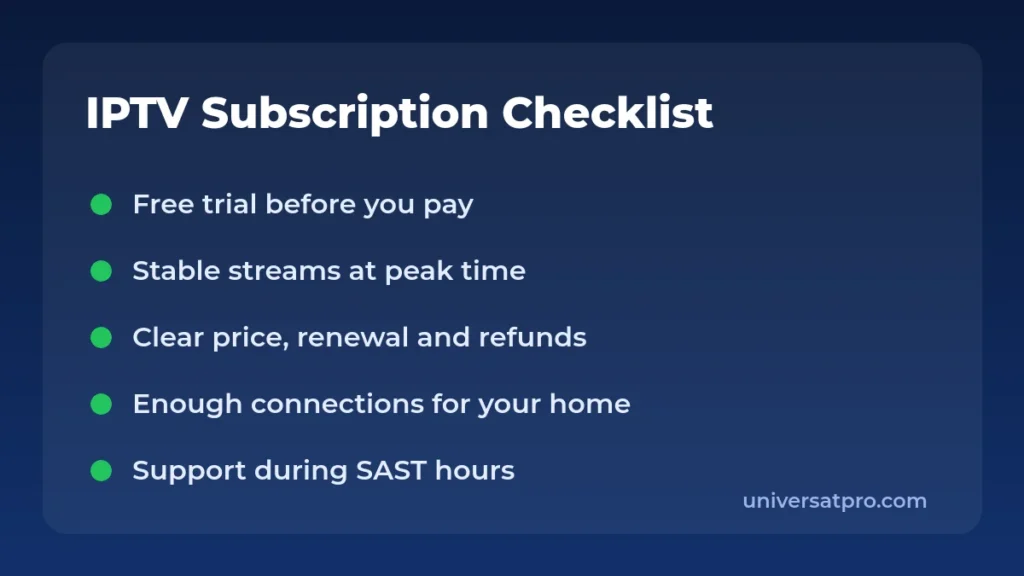
| Question | Why it matters |
|---|---|
| Is there a trial? | Lets you test before paying |
| Is pricing clear? | Avoids surprise renewals |
| How many devices? | Matches your household |
| Is support reachable? | Fixes problems quickly |
Longer plans usually cost less per month, but they also lock in your money. If you are new to a provider, start with a short plan and move to a longer one only after the service has proved itself over several weeks, including a weekend with live sport.
| Plan length | Best for | Watch out for |
|---|---|---|
| 1 month | Testing a new provider | Higher monthly price |
| 3 to 6 months | Settled households | Check refund rules |
| 12 months | Long-term users of a proven service | Large upfront payment |
A connection is one device watching at the same time. Count the screens that may run together in the evening, not the devices you own. A couple usually needs one or two connections, while a family with teenagers may need three or four. More connections also mean more bandwidth: each HD stream needs about 10 Mbps, so check that your line can carry them all.
| Problem | What to try |
|---|---|
| Channels buffer | Restart the router, switch to Ethernet or 5 GHz Wi-Fi |
| Login fails | Check spelling, spaces and the server address |
| No TV guide | Refresh the EPG and wait a few minutes |
| Audio out of sync | Change the player setting or restart the stream |
If the problem continues, send support a short message with your device, app and the time it happened. You can reach us through the contact page.
People often use these words as if they meant the same thing. An IPTV provider is the company you buy from. An IPTV service is what you actually receive: the channels, the servers, the guide, the apps and the support. A good provider delivers a good service, but you can only judge that by testing it.
You can see how we present our options on the IPTV providers page and the channels list, and read our checklist on choosing the best IPTV service.
IPTV is a technology and is legal. Content must be properly licensed by the rights holder. Choose providers that are open about their sources. This is general information, not legal advice. Read more in our article on whether IPTV is legal in South Africa.
See current options on our IPTV pricing page and compare providers on the IPTV providers page.
Prices vary by provider, plan length and number of connections. Compare the full price per month and check renewal terms on the pricing page.
Many providers offer a short trial. Request one and test it at peak time before you buy a longer plan.
No. You only need a compatible device, a player app and a stable internet connection.
Fibre is best. LTE and 5G work if the signal is strong and your data cap is large.
It depends on the provider. Read the cancellation and refund terms before you pay.